
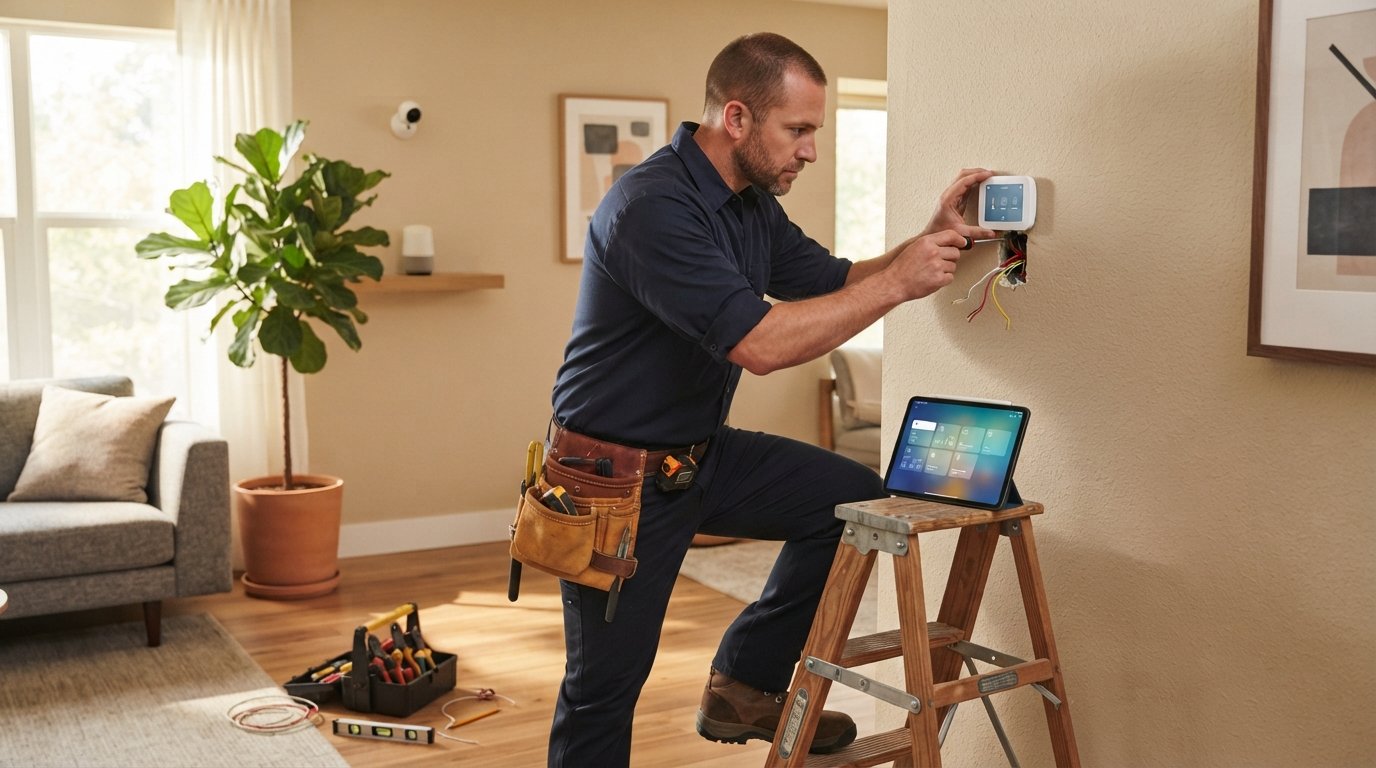
Smart Home Installation: Costs, Pros, and Planning
Smart home installation tips: plan, choose DIY or pro, avoid costly mistakes, and boost home value.
By Chelsea Kris
Learn more about Smart Home Installation or Repair for guides, costs, and what to expect.
Compare Smart Home Installation or Repair Pros Near You

Enter your ZIP code to compare top-rated local professionals and request free quotes.
Smart home technology has moved from a luxury novelty to a practical upgrade for modern living. Homeowners are adding smart thermostats, security cameras, lighting controls, and voice assistants to improve energy efficiency, convenience, and safety. However, the process of installing these systems can feel overwhelming, especially when you are unsure whether to take the do-it-yourself route or hire a professional. A successful smart home installation depends on careful planning, the right equipment, and often, the expertise of a qualified electrician or low-voltage technician. This guide walks you through everything you need to know, from initial planning to final setup, so you can make informed decisions and avoid costly mistakes.
The key to a smooth smart home project is understanding the scope of work. Some devices are truly plug-and-play, while others require hardwiring, network configuration, and integration with existing systems. Your home's age, electrical capacity, and internet infrastructure all play a role in determining the complexity of the installation. By approaching the project methodically, you can create a connected home that works reliably and adds real value to your property.
Why Smart Home Installation Matters
Smart home installation is not just about buying a few gadgets and connecting them to Wi-Fi. It is about creating an integrated ecosystem where devices communicate with each other and with you. Proper installation ensures that your devices function correctly, remain secure from cyber threats, and last for years without issues. A poorly installed smart home can lead to frustrating connectivity problems, electrical hazards, and even voided warranties.
Moreover, a professionally installed system can increase your home's resale value. According to a 2024 report from the National Association of Home Builders, 45% of home buyers consider smart home features a must-have in their next home. Smart thermostats, security systems, and lighting controls are among the most desired features. If you plan to sell in the future, a well-integrated smart home can be a significant selling point. Even if you are not selling, the convenience of controlling your home from your smartphone or using voice commands is a daily benefit that improves quality of life.
Planning Your Smart Home Installation
Before you purchase any devices, you need a clear plan. Start by identifying your primary goals. Are you looking to reduce energy bills, enhance home security, or simply add convenience? Your goals will determine which devices you prioritize and how complex the installation will be. For example, a security-focused setup might include smart locks, video doorbells, and motion sensors, while an energy-efficiency focus would center on smart thermostats and lighting controls.
Next, assess your home's existing infrastructure. Check your Wi-Fi coverage, especially in areas where you plan to install devices. Many smart devices require a strong, stable internet connection, and dead zones can cause constant disconnections. Consider investing in a mesh Wi-Fi system if your home is large or has thick walls. Also, evaluate your electrical system. Some devices, like smart switches and thermostats, require a neutral wire, which older homes may lack. If you are unsure, consult a licensed electrician before buying anything.
Choosing the Right Smart Home Protocol
Smart home devices use different communication protocols, and compatibility is crucial. The most common protocols are Wi-Fi, Zigbee, Z-Wave, and Thread. Wi-Fi devices are easy to set up but can congest your network. Zigbee and Z-Wave create a mesh network that is more reliable but require a hub. Thread is a newer protocol that offers low power consumption and direct IP connectivity, often used in Matter-enabled devices. Matter, a universal standard, aims to solve compatibility issues by allowing devices from different manufacturers to work together seamlessly. When planning, choose devices that support Matter or are compatible with your existing ecosystem, such as Amazon Alexa, Google Home, or Apple HomeKit.
Your choice of protocol affects not only performance but also security. Wi-Fi networks are more vulnerable to hacking, so it is essential to use strong passwords and enable two-factor authentication on your smart home accounts. Zigbee and Z-Wave use their own encryption, making them more secure for critical devices like locks and sensors. A professional installer can help you select the right protocol for your needs and ensure proper network segmentation to protect your data.
DIY vs. Professional Smart Home Installation
One of the biggest decisions you will make is whether to install the system yourself or hire a professional. The answer depends on the complexity of the project, your technical skills, and your budget. Simple devices like smart plugs, bulbs, and voice assistants are easy to set up on your own. Most require only a smartphone app and a Wi-Fi connection, and setup takes minutes. If you are comfortable with technology, you can handle the majority of smart home devices without professional help.
However, certain installations are best left to the experts. Hardwired devices, such as smart switches, smart thermostats, and security cameras, involve working with electrical wiring. Incorrect installation can cause short circuits, fires, or damage to the device. Additionally, integrating multiple devices into a unified system, especially if you are mixing brands or protocols, can be challenging. A professional smart home installer has the experience to configure your network, mount devices properly, and troubleshoot issues that may arise. They can also ensure that all devices are connected to a backup power source if needed.
Consider the following factors when deciding:
- Complexity: How many devices are you installing, and do they require wiring?
- Warranty: Some manufacturers require professional installation to keep the warranty valid.
- Time: DIY installation can take several weekends, while a pro can complete the job in a day or two.
- Risk: Electrical work carries inherent risks, and mistakes can be costly.
- Cost: Professional installation adds to the upfront cost but can save you from expensive repairs later.
If you decide to hire a professional, it is crucial to choose a qualified contractor. Look for a licensed electrician or a low-voltage technician with experience in smart home systems. Ask for references and check online reviews. You can also use a platform like Homes.Contractors to get multiple quotes from pre-vetted contractors in your area. This allows you to compare prices and expertise without any obligation.
Smart Home Installation Cost Breakdown
Understanding the costs involved is essential for budgeting. The total cost of a smart home installation varies widely based on the number of devices, the complexity of the wiring, and whether you hire a professional. On average, a basic setup with a few smart bulbs and a voice assistant costs around $200 to $500. A more comprehensive system, including smart thermostat, security cameras, and smart locks, can range from $1,000 to $3,000 for equipment alone.
Professional installation fees add to the total. Electricians typically charge $50 to $100 per hour, and a standard installation of a smart switch or thermostat takes about one to two hours. For a whole-home system with multiple devices, you might pay a flat rate of $500 to $2,000, depending on the installer and the scope of work. Some companies offer package deals that include equipment and installation, which can be more cost-effective.
It is also important to consider ongoing costs. Many smart home devices require a subscription for full functionality, such as cloud storage for security camera footage or advanced features for smart thermostats. These subscriptions range from $5 to $30 per month. Factor these recurring fees into your budget to avoid surprises.
To get a clear picture of the costs for your specific project, request quotes from multiple contractors. Use online platforms like Homes.Contractors to connect with local professionals who can provide detailed estimates. When comparing quotes, ensure that each includes the same scope of work, and ask about any potential extra charges for additional wiring or network setup.
Step-by-Step Smart Home Installation Process
Whether you choose DIY or professional installation, following a structured process ensures a successful outcome. Here is a step-by-step guide to a typical smart home installation:
- Assess your needs and budget: List the devices you want, prioritize them, and set a realistic budget.
- Check compatibility: Ensure that all devices are compatible with your chosen ecosystem (Alexa, Google, Apple) and your home's wiring.
- Purchase equipment: Buy from reputable brands that offer good support and warranties.
- Prepare your network: Optimize your Wi-Fi, set up a separate network for smart devices if possible, and ensure strong coverage.
- Install devices: Follow the manufacturer's instructions carefully. For hardwired devices, turn off the power at the breaker before handling wires.
- Configure and connect: Use the manufacturer's app to connect each device to your network and set up automations.
- Test everything: Verify that each device responds correctly and that automations work as intended.
- Secure your system: Change default passwords, enable two-factor authentication, and update firmware regularly.
This process can take anywhere from a few hours to several days, depending on the number of devices and your experience. If you are not confident in your ability to complete any step, stop and consult a professional. It is better to pay for help than to risk damaging your home or your devices.
Hiring the Right Professional for Smart Home Installation
If you decide to hire a professional, finding the right contractor is critical. Not all electricians are familiar with smart home technology, so ask about their experience with low-voltage systems and home automation. In addition to electrical skills, they should understand networking concepts like IP addresses, DHCP, and firewall settings. A good installer will also be able to recommend devices that fit your needs and budget.
When searching for a contractor, use reputable directories like Homes.Contractors, which pre-vets contractors and allows you to request quotes from multiple professionals at once. This saves time and helps you compare credentials and pricing. Before hiring, verify the contractor's license and insurance, and ask for references from previous smart home projects. A professional should be willing to walk you through the installation plan and answer any questions you have.
During the installation, ensure that the contractor communicates clearly and tests every device before leaving. You should also receive documentation of the installation, including wiring diagrams and a list of devices with their login information. This is especially important if you ever need to troubleshoot or expand your system in the future.
Common Smart Home Installation Mistakes to Avoid
Even with careful planning, mistakes can happen. Here are some common pitfalls and how to avoid them:
- Ignoring network capacity: Too many devices on a single Wi-Fi network can cause slowdowns. Use a mesh system or a separate router for smart devices.
- Skipping the neutral wire check: Many smart switches require a neutral wire, which is not present in some older homes. Check before buying.
- Overlooking security: Default passwords are a hacker's playground. Always change them and enable encryption.
- Not considering future additions: Choose a system that can grow with you. Start with a hub that supports multiple protocols.
- Mixing incompatible brands: Not all devices work together, even if they claim to be smart. Stick to one ecosystem or ensure Matter compatibility.
By avoiding these mistakes, you can save time, money, and frustration. A well-planned installation is more reliable and easier to maintain.
Benefits of a Professionally Installed Smart Home
The advantages of hiring a professional for smart home installation go beyond convenience. A professional ensures that all devices are installed to code, which is important for insurance purposes. If a fire or electrical issue occurs, an improper DIY installation could void your homeowner's insurance. Professionals also have access to higher-quality equipment and can integrate systems that might be difficult for a layperson to configure.
Furthermore, a professional can provide ongoing support and maintenance. If a device fails or you want to add new components, they can quickly diagnose and fix issues. This peace of mind is worth the cost for many homeowners. Additionally, a professionally installed system often comes with a warranty on labor, so you are covered if something goes wrong within the first year.
Finally, a professional can help you maximize the return on your investment by recommending devices that offer the best energy savings and security features. They can also set up automations that align with your daily routines, making your home truly smart rather than just connected.
In conclusion, smart home installation is a valuable investment that can improve your comfort, safety, and energy efficiency. Whether you choose to do it yourself or hire a professional, careful planning is essential. If you decide to work with a contractor, use a trusted platform like Homes.Contractors to find qualified experts in your area. Get multiple quotes, ask questions, and ensure that your installation is done right. With the right approach, you can enjoy the benefits of a smart home for years to come.
Learn more about Smart Home Installation or Repair for guides, costs, and what to expect.
Compare Smart Home Installation or Repair Pros Near You
Enter your ZIP code to compare top-rated local professionals and request free quotes.